 Juhee Oh
On Friday morning, I couldn’t connect to the WITIM app. I checked whether my teammates were seeing the same issue and started preparing a notice for users. By the time I sent the recovery notice, about an hour had passed since I’d first noticed the issue. Here’s how I handled it.
From a Connection Error to a Recovery Notice
At 9:10 a.m. on November 13, 2026, I saw a connection error in the app. The message asked me to check my network and try again.
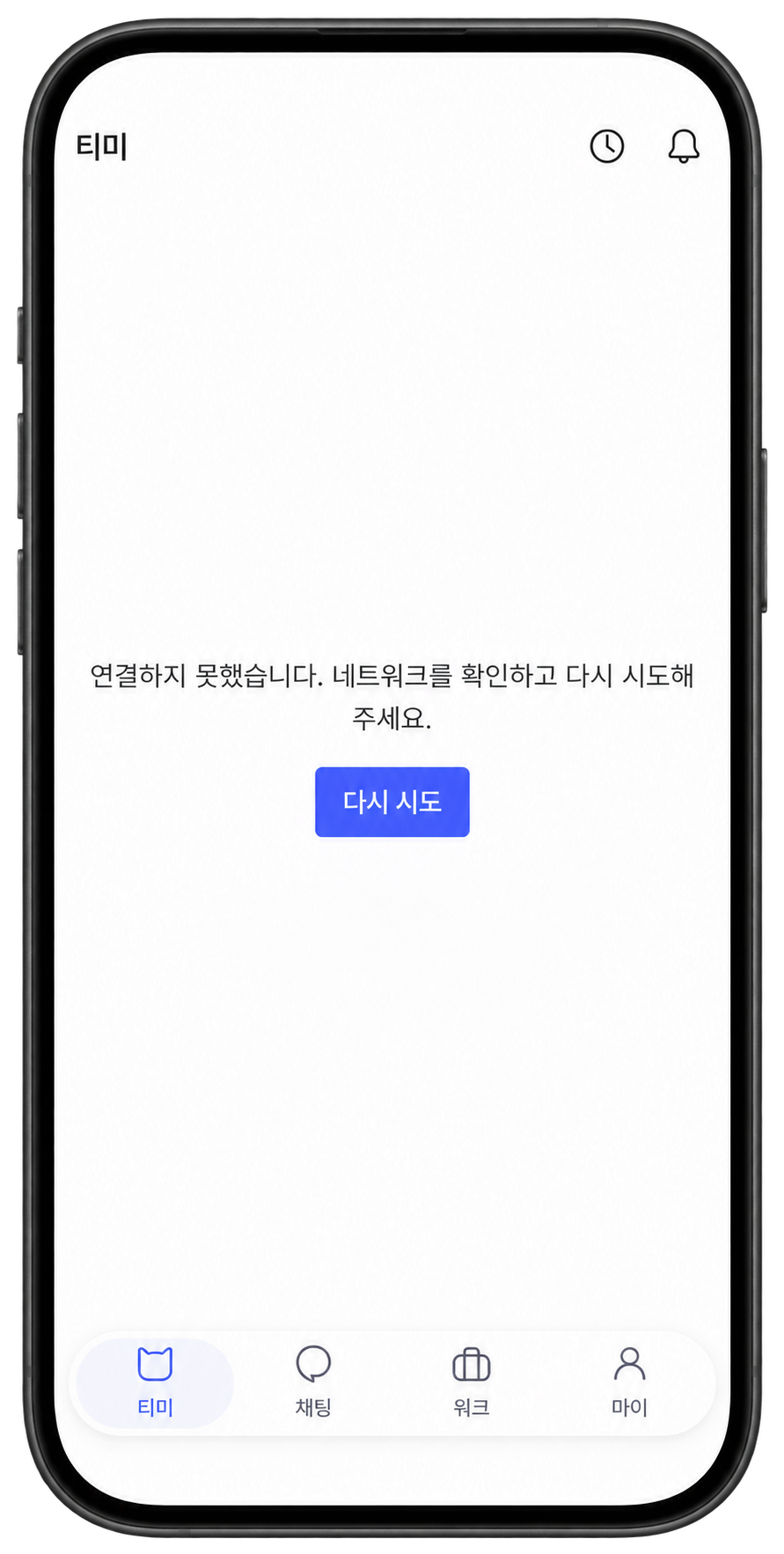
My teammates were seeing the same issue. I reported it to our leadership and, after arriving at the office at 9:30 a.m., prepared user communications through email, push notifications, and an in-app notice.
I kept our leadership and a teammate updated throughout the response.
While preparing the outage notice, I heard that service had been restored and immediately switched to preparing a recovery notice.
How I Prepared the Notices
I prepared the user communications in the admin panel in this order:
- Email — A recovery notice template I’d prepared earlier made the message easier to put together.
- Push notification — I wrote a short title and message to let users know service was back.
- In-app notice — I prepared a notice so users could also find the update within the service.
1. Email
Preparing It in the Admin Panel
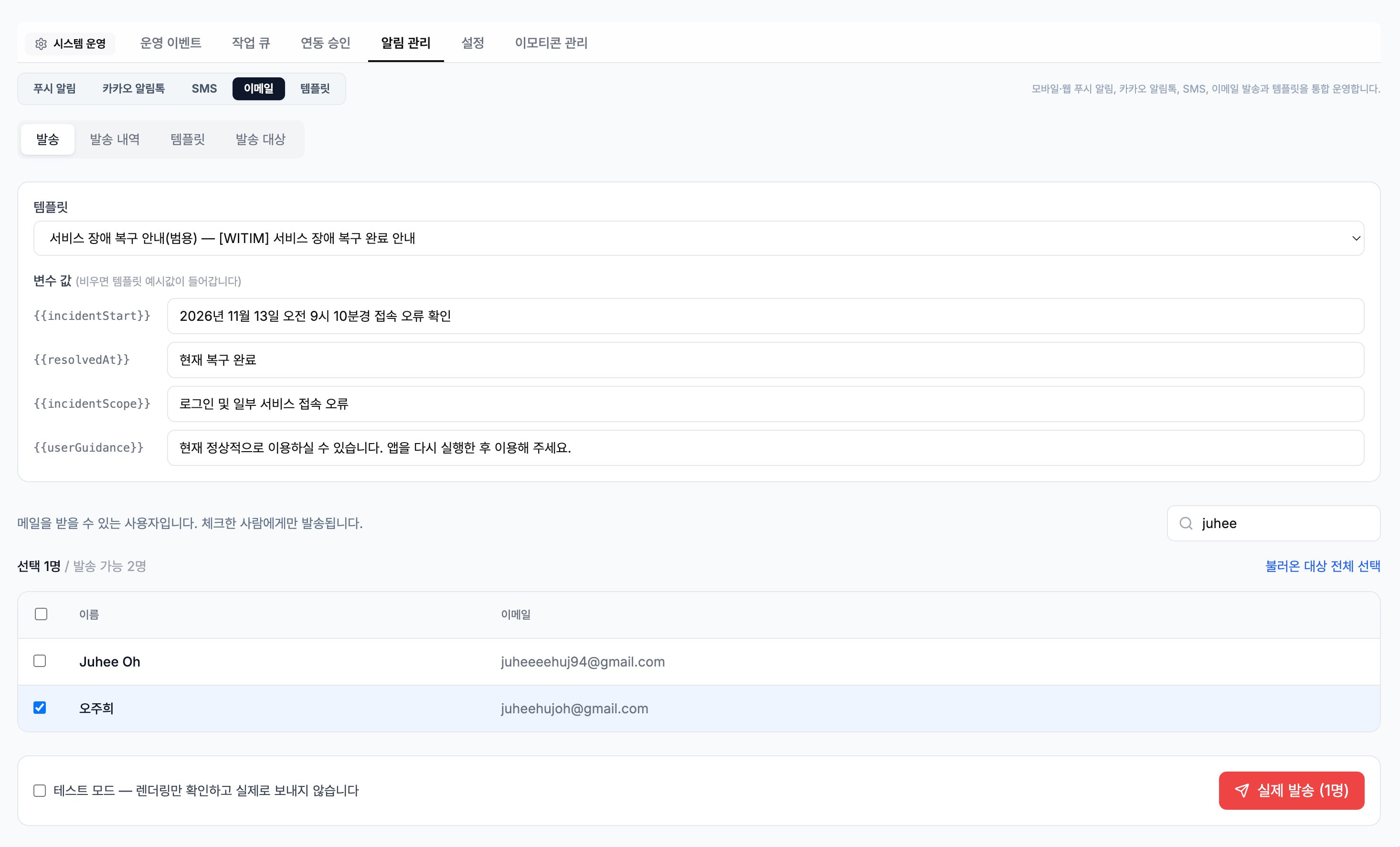
I started with email. I used a recovery notice template from the email templates I’d previously set up in the admin panel. Having a starting point made it easier to focus on reviewing the message and recipients.
The Email Users Received
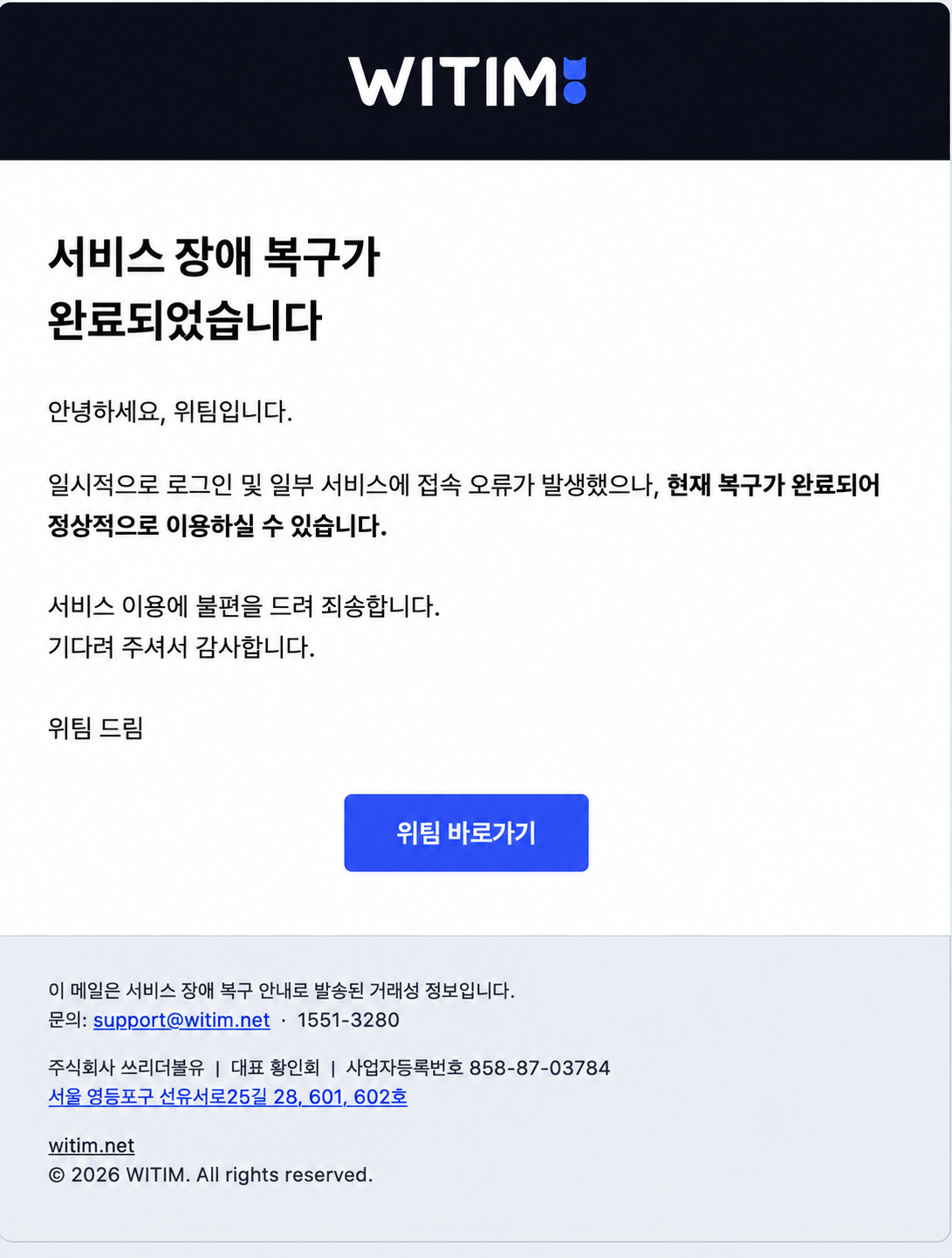
The email users received announced that service had been restored and was available to use again. A button below the message took them to WITIM.
2. Push Notification
Preparing It in the Admin Panel
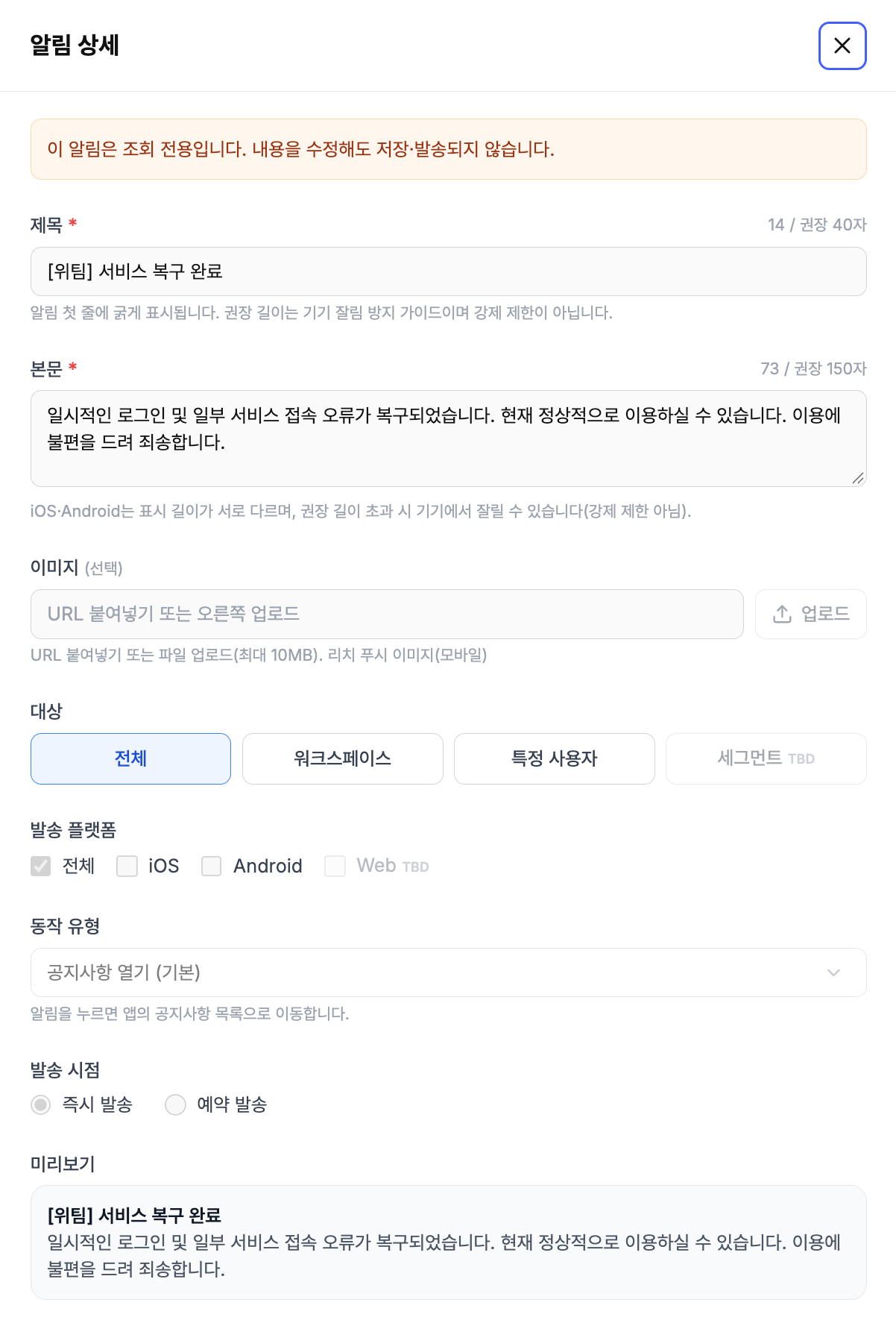
After preparing the email, I wrote the push notification. I kept it short: the connection issue had been resolved, and users could use the service again.
The Notification on a Phone
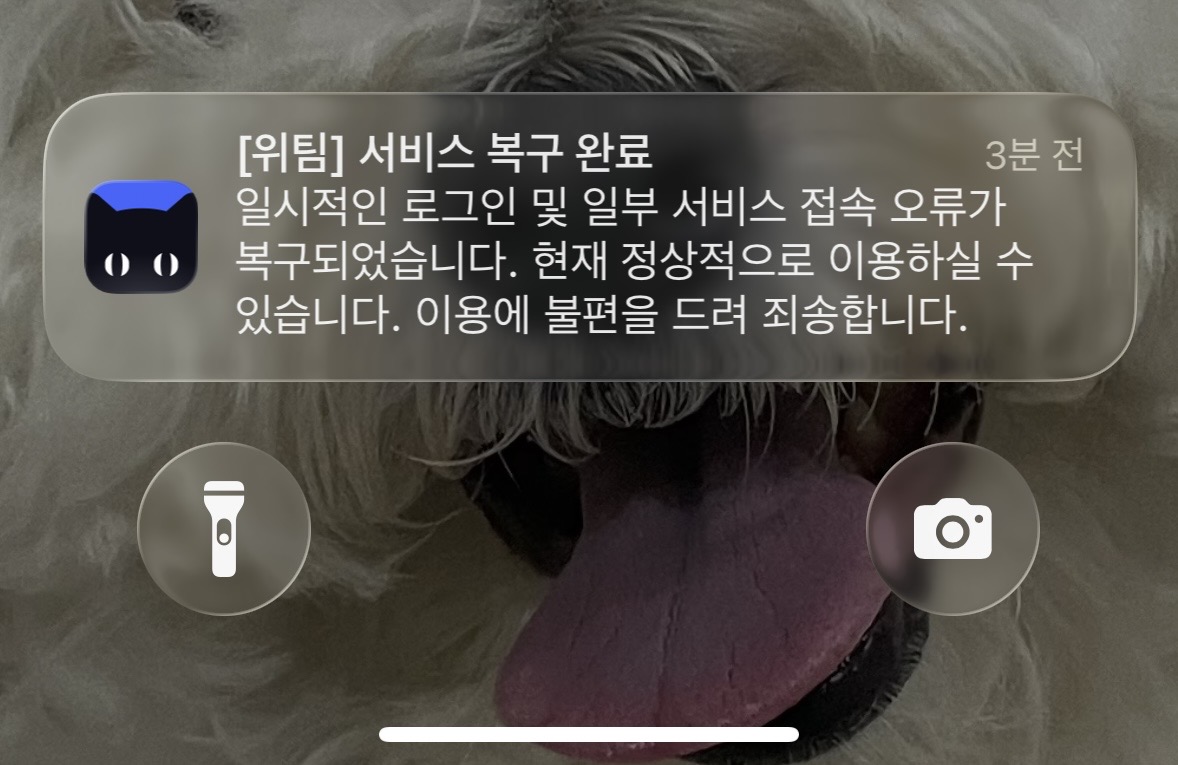
The notification arrived as shown below. The title and message appeared beside the app icon, so users could see that service was back before opening the app.
3. In-App Notice
Preparing It in the Admin Panel
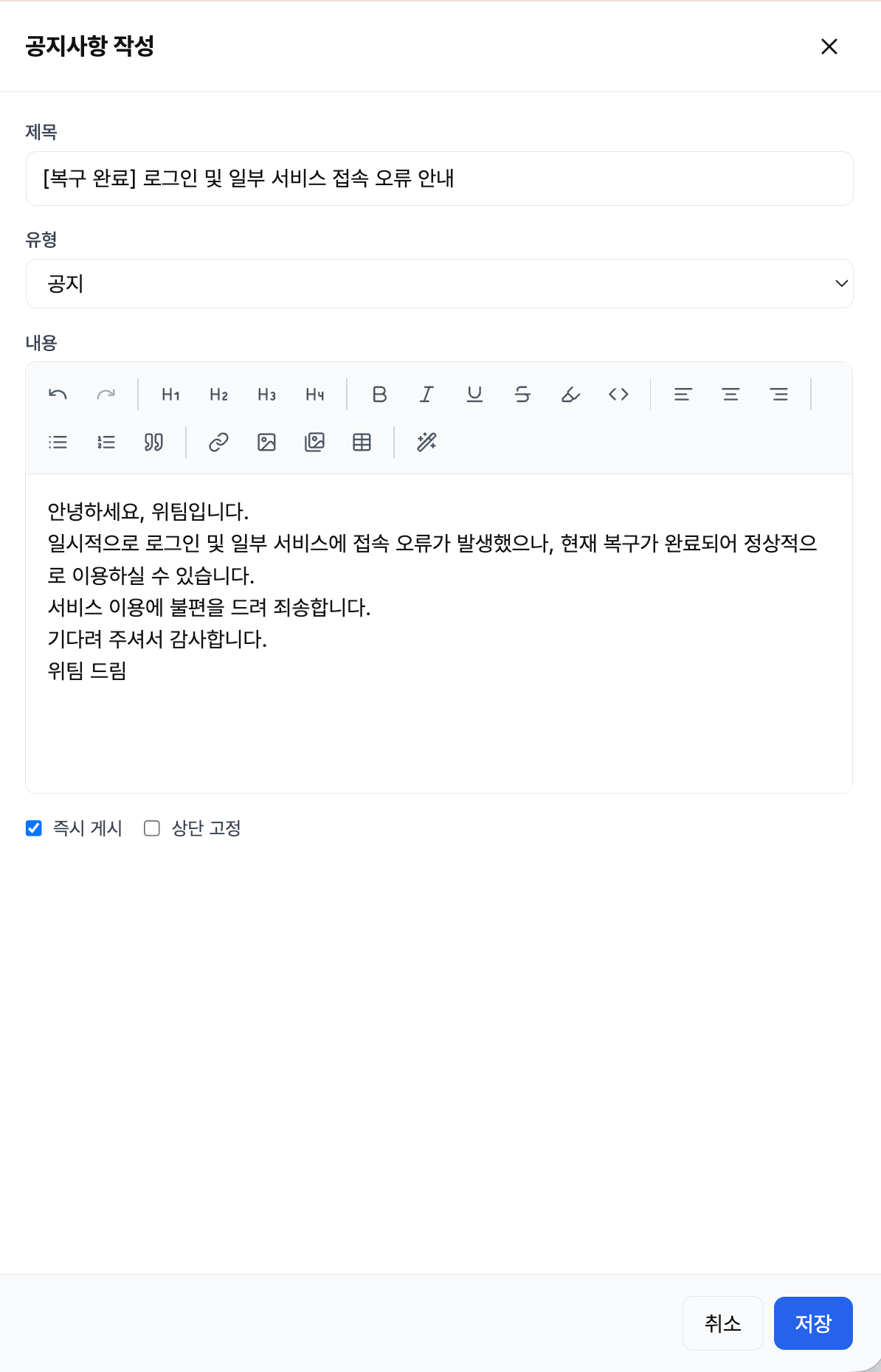
Finally, I wrote the in-app notice. It confirmed that users could use the service again and included an apology for the inconvenience.
The Published Notice
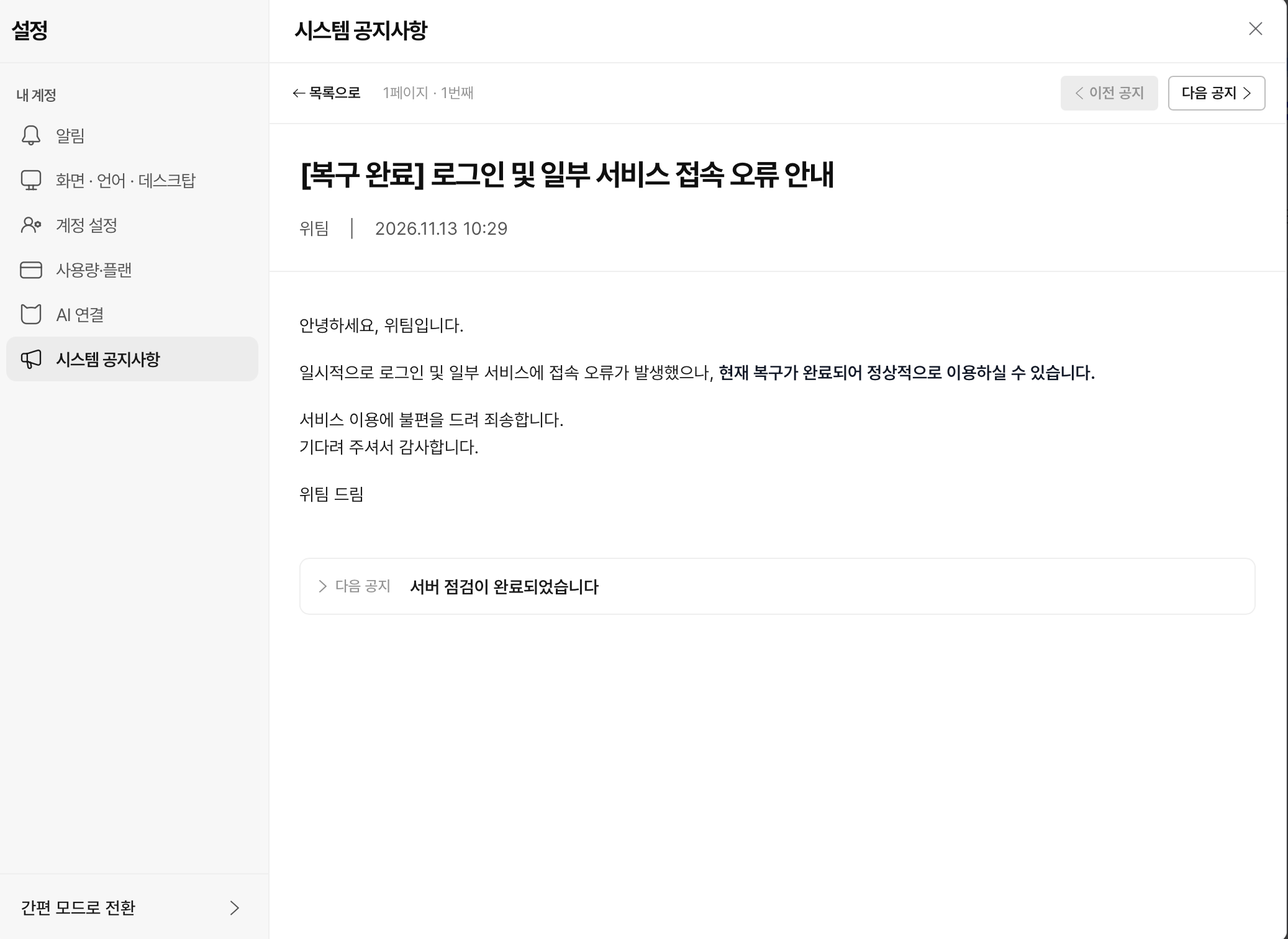
The published notice appeared in the system notices section as shown below. This made the recovery update sent by email and push notification available within the service too.
After the Response
This was a chance to use a previously prepared email template during an actual outage. Sharing the recovery update across several channels helped me see how the communication screens and copy I’d worked on were used in day-to-day service operations.